

Starting Your Subscription
To start using the platform, you need to sign up for a plan. This can be done in the settings page.
You can either elect to have invoices sent to you, or pay via Credit Card through our payment gateway.
Setup
The billing email address input is where we'll send invoices and other emails related to payments. You might want this to be your email, or your accounts payable team.
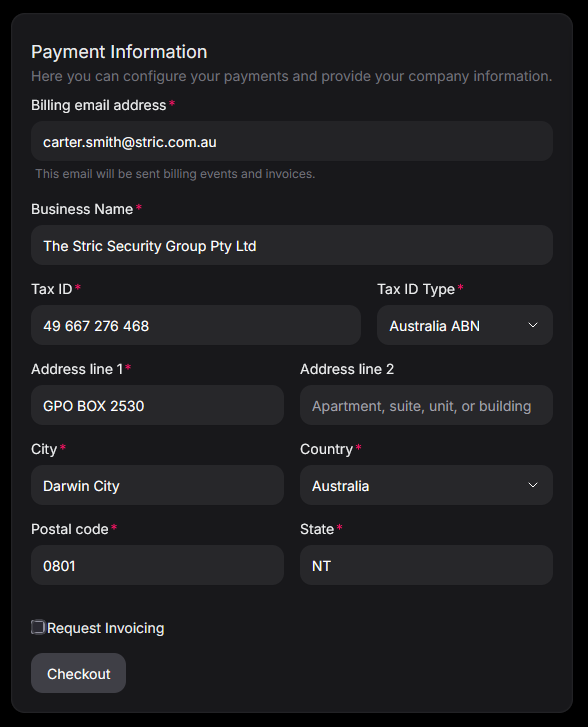
Once you're ready, you can click on Checkout, you'll be redirected to Stripe, our payment gateway, so you can enter your card details securely.
Invoice Configuration
If you elect for an invoice, you can add in your PO/reference number that will be inserted into all invoices.
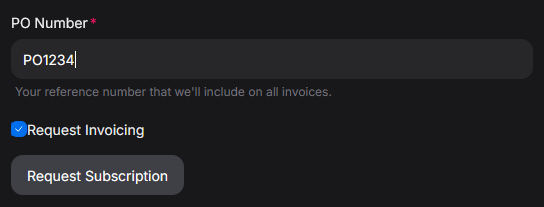
Once you click Request Subscription, you'll be signed up immediately. Once the next billing cycle passess, you'll be sent an invoice to pay manually.