

Device Timeline
The Geopulse map contains multiple tools to allow analysts to streamline their queries.
One of these features is the ability to trace a timeline of events on the map. When you select an individual device (and when there's >2 events), the Show Timeline switch will enable.
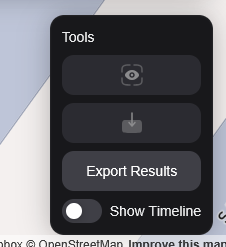 Timeline tool
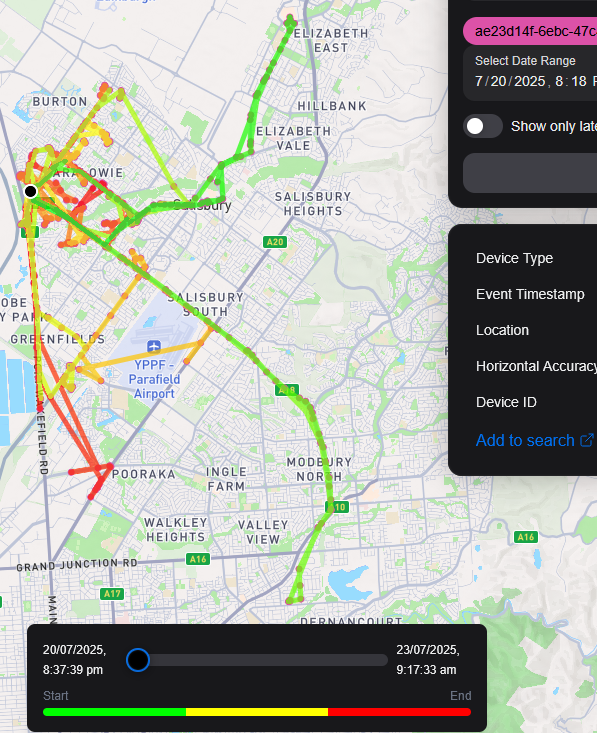 Timeline displayed