Managing Watchzones
Sharing
It is possible to share a Watchzone with other members of your team. To do so, you must be the owner of the Watchzone. Visit the Watchzone page, and hit the Share Item button in the bottom left. A modal will pop up allowing you to select a user and their level of access. Reader means the user is only able to perform read-only actions on the Watchzone. Writer allows the user to update notes and perform other write actions. Owner allows the end user to perform all actions including deleting, updating and sharing the Watchzone.
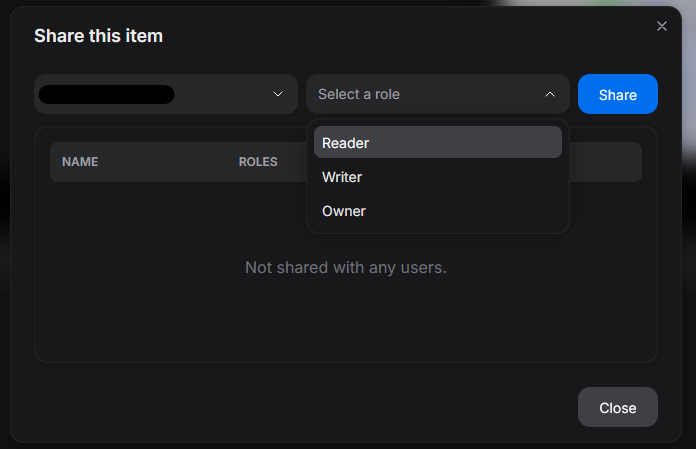 Item Share Modal
 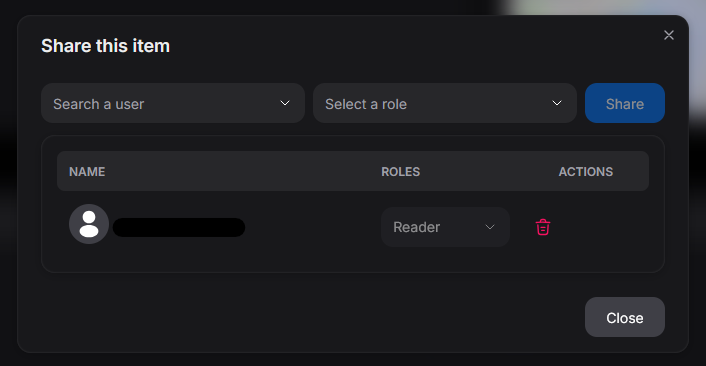 Remove access
Deleting
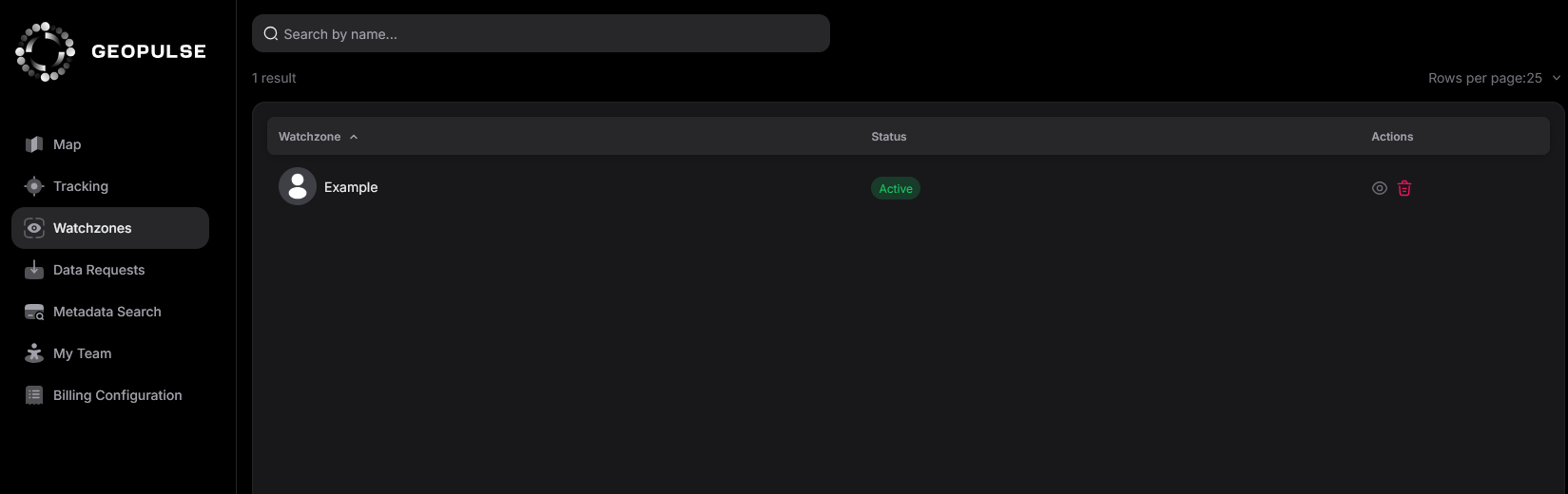
It is possible to delete watchzones by hitting the red bin button in the Watchzone index page. This will put the Watchzone in an inactive state, and in the trash.
Restoring
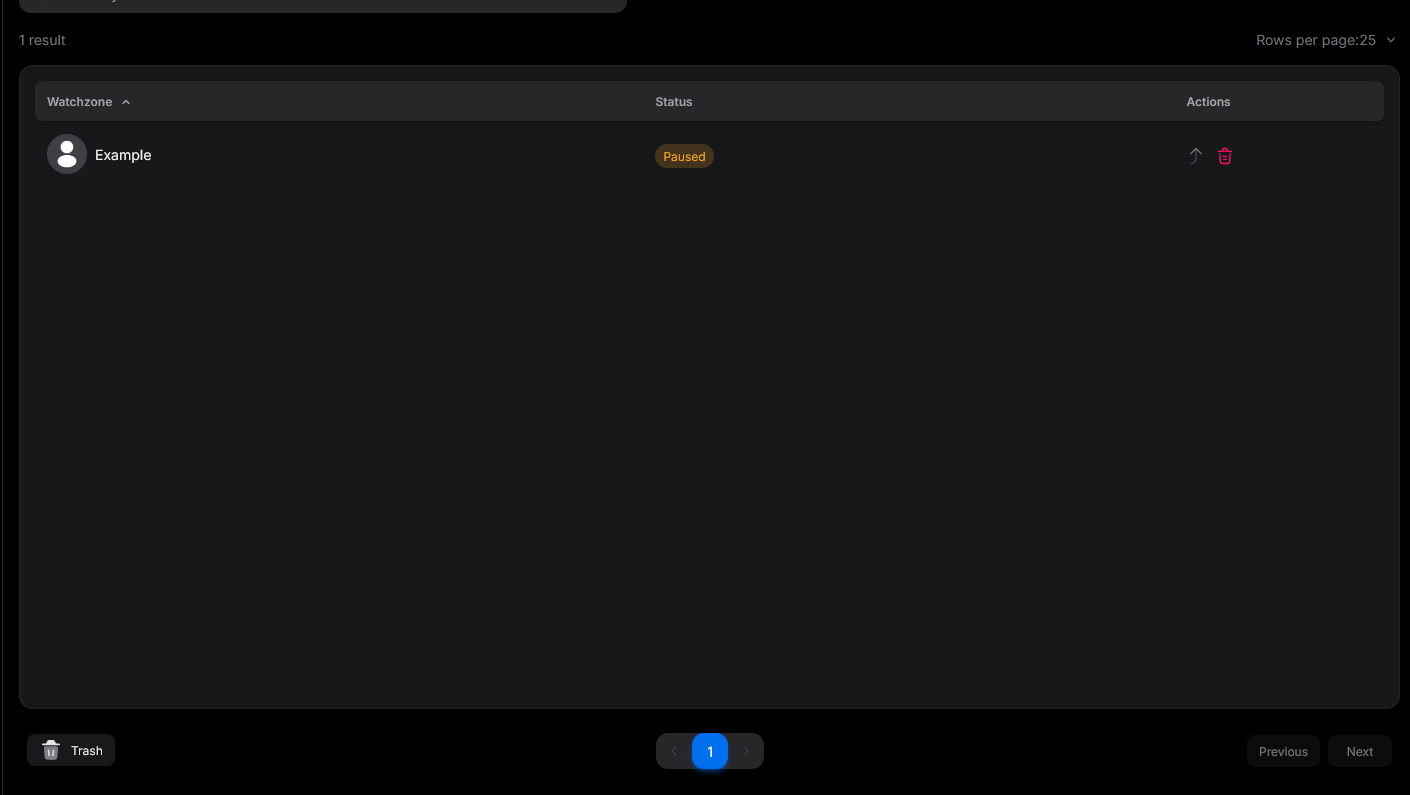
If you've accidentially deleted a Watchzone, you can hit the restore button (grey arrow). If you'd like to permanantly delete this Watchzone, you can hit the red bin button again to hard delete it.