

Create a tracking request
There are two ways to create a tracking request, the first is clicking the Track this device in device summary page. The popup will then ask you for a nickname.

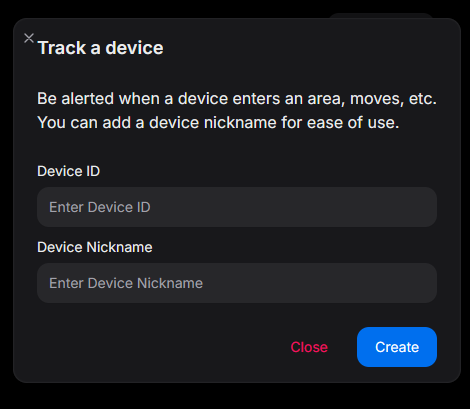
The second way is to click the New button on the /tracking page, which will allow you to specify a device ID.
Once a request has been created, you'll be redirected to the summary page.