
基本的なクエリ
以下のガイドでは、Geopulse Map機能を利用してデバイスを見つける方法を説明します。
クエリが有効になるには、開始時刻と終了時刻をフィルタリングする必要があります。
A blue point plotted on the map signifies an device event, you can click the event for more information.
興味深い場所を見つける
To navigate the map to a specific address, search it in the top left. An autocompelete prompt will pop up, once an address is clicked, the map will navigate there.
デバイスIDで検索
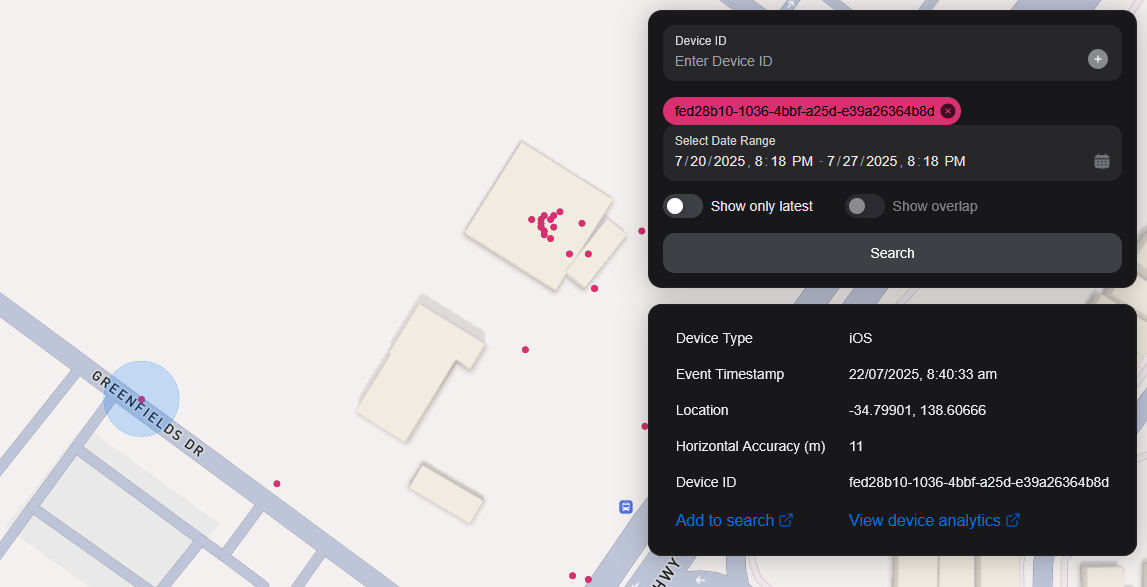
You can search the map by specifying multiple Device IDs in the top right hand filter. Each time you enter a Device ID it will be assigned a unique colour. This colour is persistent. Note: if you have a geobox defined, it'll only query inside that.
<br />
ジオボックスで検索
1 つまたは複数の geobox を検索して、それらのボックス内のデバイスを表示できます。
図形描画
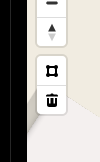
You can draw these boxes (polygons) by clicking the square above the bin on the left menu.
<br />
This will allow you to click points on the map to draw a polygon shape. To finish drawing this shape, click the first point and the box will turn light blue.
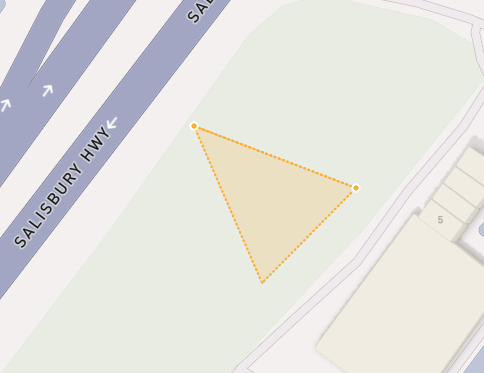
 <small><i>Partially finished shape</i></small>
<br />
<br />
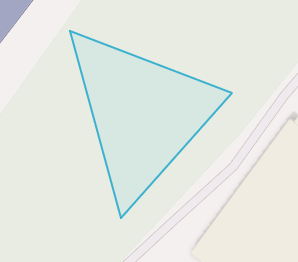
 <small><i>Finished shape</i></small>
<br />
<br />
A polygon can be in whatever shape you desire, for example, you can draw complex shapes around a place of interest for high accuracy.
To remove a polygon off the map, click it and then click the bin icon.
削除中
Geoboxを削除するには、それをクリックしてオレンジ色に強調表示され、左メニューのbinアイコンをクリックします。
Show only latest
When you click Show only latest only the latest event per device in the query area is shown.
オーバーラップを表示
When you draw two or more geoboxes, the Show Overlap switch will enable. When this is clicked, the results will only show devices present in each of the geoboxes.
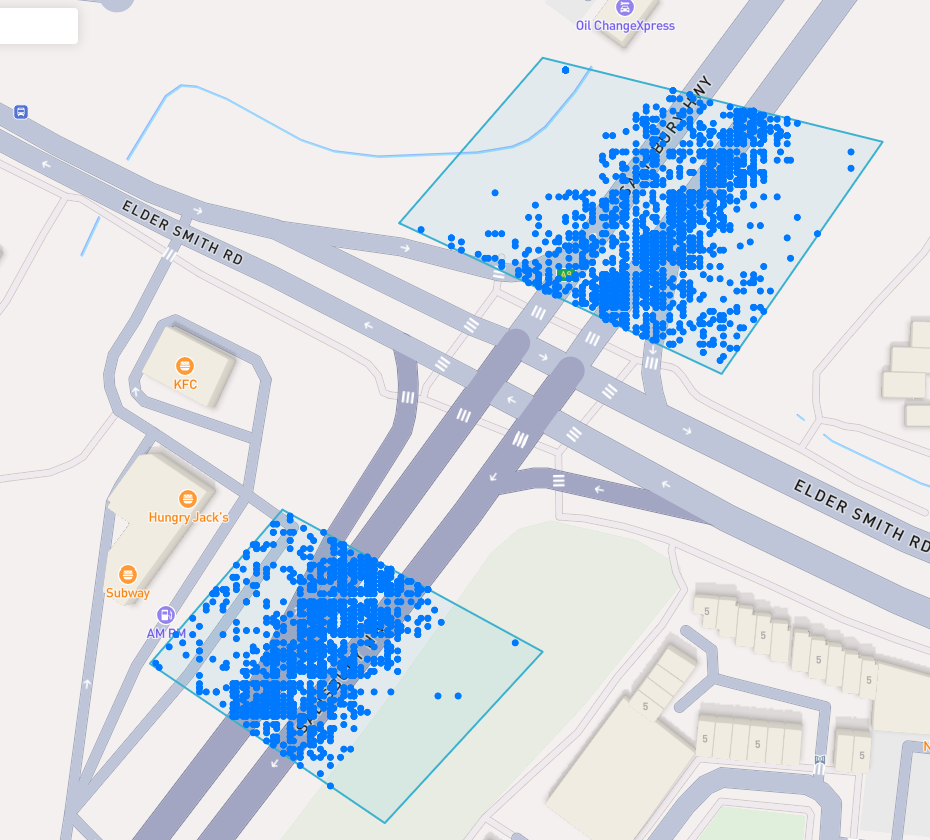
 <small><i>Overlapped Results</i></small>
<br />
<br />
Interperting Results
Each event contains information, such as Lat/Lon, Event Time, Horizontal Accuracy, IP Addresses (v4/v6). This event context is shown on the right pane, when you click on an individual device. In addition, an event's horizontal accuracy is shown as a light blue circle around the event.
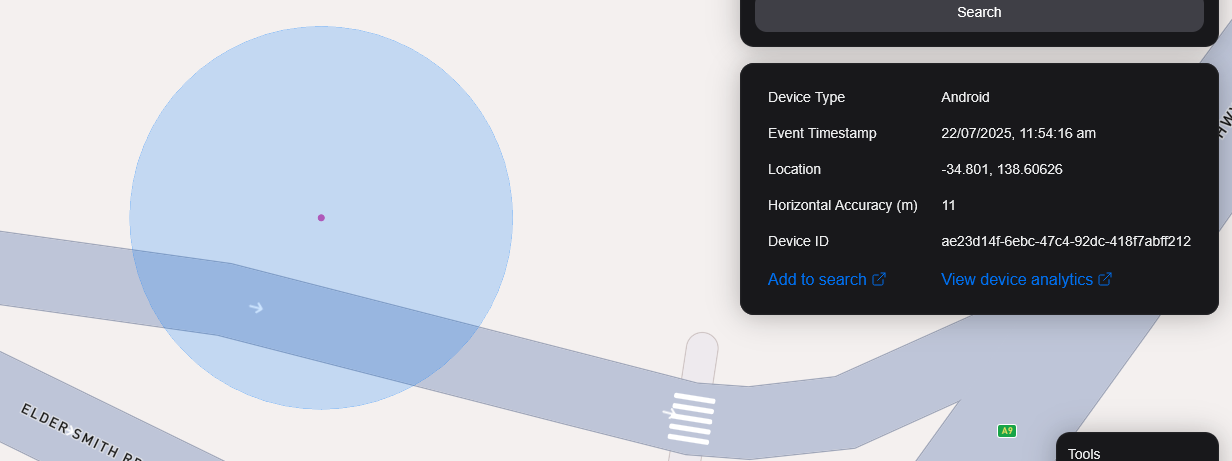
 <small><i>Horizontal Accuracy and Event Context</i></small>
<br />
<br />
結果をエクスポート
You can export results from the map by clicking the Export Results button under the Search button. This will export a .csv file containing all the results with the following headers: Device ID,Device Type, Event Time, Latitude, Longitude, IP Address (v4), IP Address (v6).
サテライトビュー
現在、Satelliteビューはサポートしていませんが、Sentiel-2衛星画像をリアルタイムにサポートしています。
また、利用者が衛星を対象とした領域で画像を収集できる機能をリリースする予定です。