
基本查询
下面的指南向您展示如何利用Geopulse Map 功能来查找设备。
您必须筛选任何查询的开始和结束时间才能有效。
A blue point plotted on the map signifies an device event, you can click the event for more information.
找到感兴趣的地方
To navigate the map to a specific address, search it in the top left. An autocompelete prompt will pop up, once an address is clicked, the map will navigate there.
按设备ID搜索
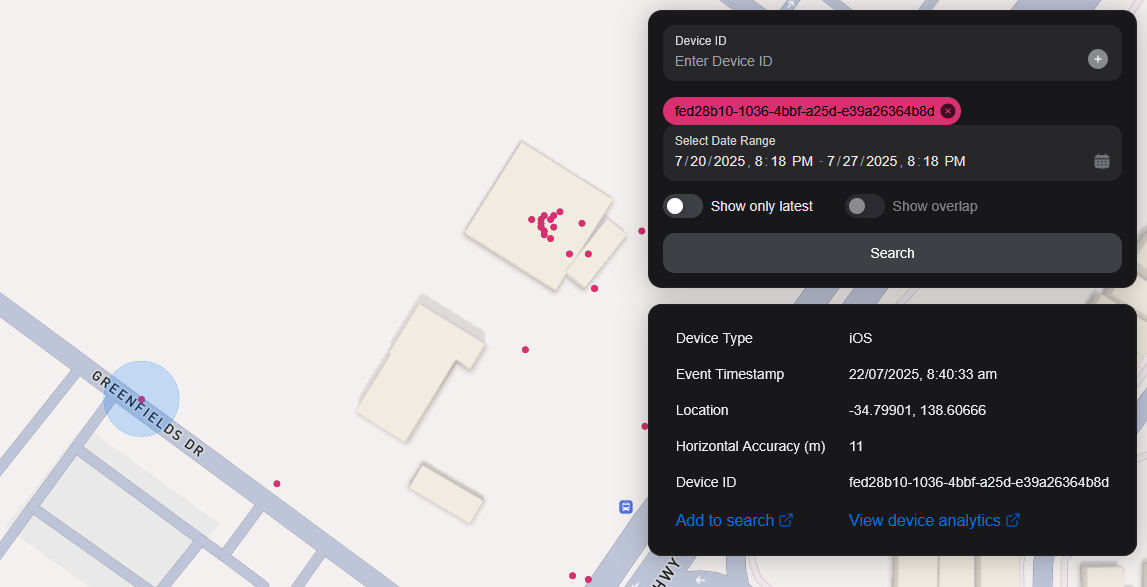
You can search the map by specifying multiple Device IDs in the top right hand filter. Each time you enter a Device ID it will be assigned a unique colour. This colour is persistent. Note: if you have a geobox defined, it'll only query inside that.
<br />
通过Geobox搜索
您可以搜索一个或多个地理框来显示这些框中的设备。
绘画
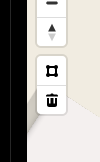
You can draw these boxes (polygons) by clicking the square above the bin on the left menu.
<br />
This will allow you to click points on the map to draw a polygon shape. To finish drawing this shape, click the first point and the box will turn light blue.
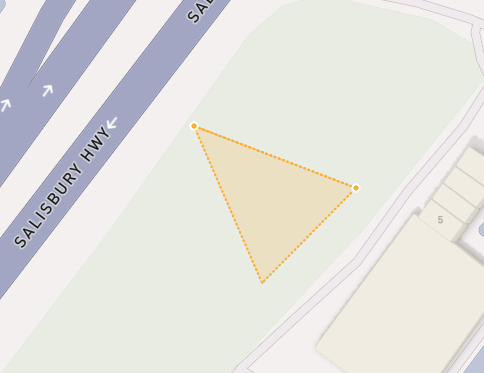
 <small><i>Partially finished shape</i></small>
<br />
<br />
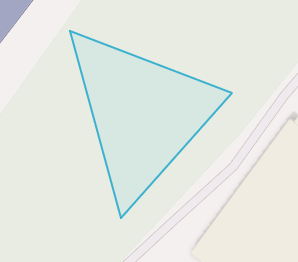
 <small><i>Finished shape</i></small>
<br />
<br />
A polygon can be in whatever shape you desire, for example, you can draw complex shapes around a place of interest for high accuracy.
To remove a polygon off the map, click it and then click the bin icon.
正在删除
若要移除Geobox,您可以点击它,所以它高亮了橙色并点击左侧菜单上的bin图标。
Show only latest
When you click Show only latest only the latest event per device in the query area is shown.
显示叠加
When you draw two or more geoboxes, the Show Overlap switch will enable. When this is clicked, the results will only show devices present in each of the geoboxes.
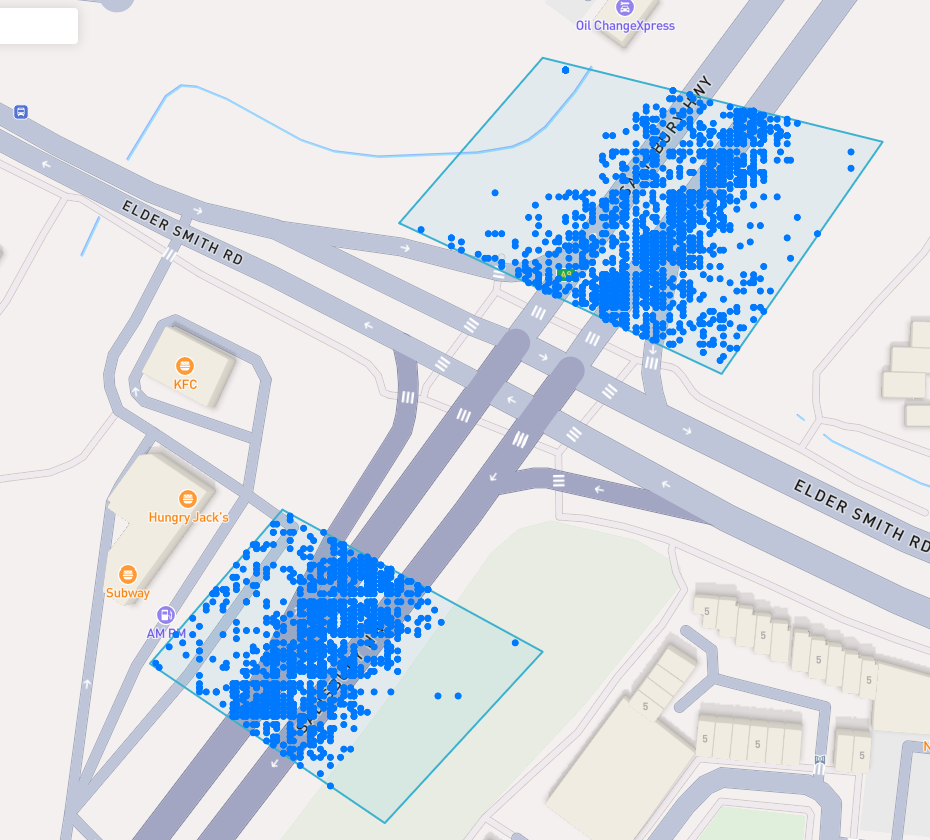
 <small><i>Overlapped Results</i></small>
<br />
<br />
Interperting Results
Each event contains information, such as Lat/Lon, Event Time, Horizontal Accuracy, IP Addresses (v4/v6). This event context is shown on the right pane, when you click on an individual device. In addition, an event's horizontal accuracy is shown as a light blue circle around the event.
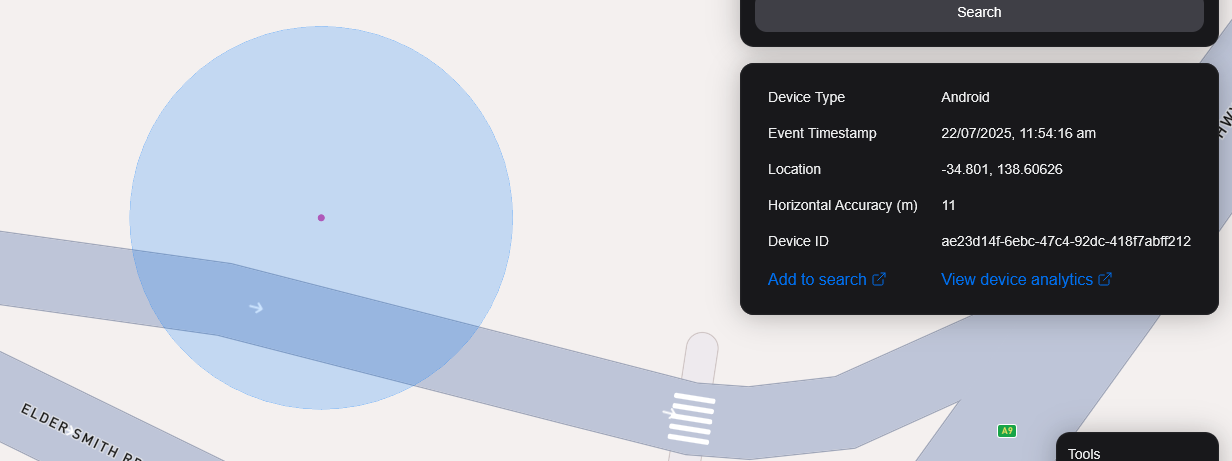
 <small><i>Horizontal Accuracy and Event Context</i></small>
<br />
<br />
导出结果
You can export results from the map by clicking the Export Results button under the Search button. This will export a .csv file containing all the results with the following headers: Device ID,Device Type, Event Time, Latitude, Longitude, IP Address (v4), IP Address (v6).
卫星视图
我们目前不支持地图上的卫星视图,但我们的路径图中是为了支持Sentiel-2近实时卫星图像。
我们还计划发布一个功能,使我们的用户能够在目标区域收集图像。